

Billing
Manage credits, monitor usage, and track spending for GPU instances.
Credit System
How it works:- 1 Credit = $1 USD of GPU usage
- Credits never expire
- Shared across team members
- Pay-per-second billing: credits are deducted continuously based on your hourly rate, so you only pay for the exact time your instance runs
- Minimum deposit: $15
- Minimum deployment: $3
- Instant credit delivery
Dashboard Overview

Current Balance - Available credits for GPU deployments
This Month - Total spending for current calendar month
Active Instances - Number of currently running GPU instances
Adding Credits
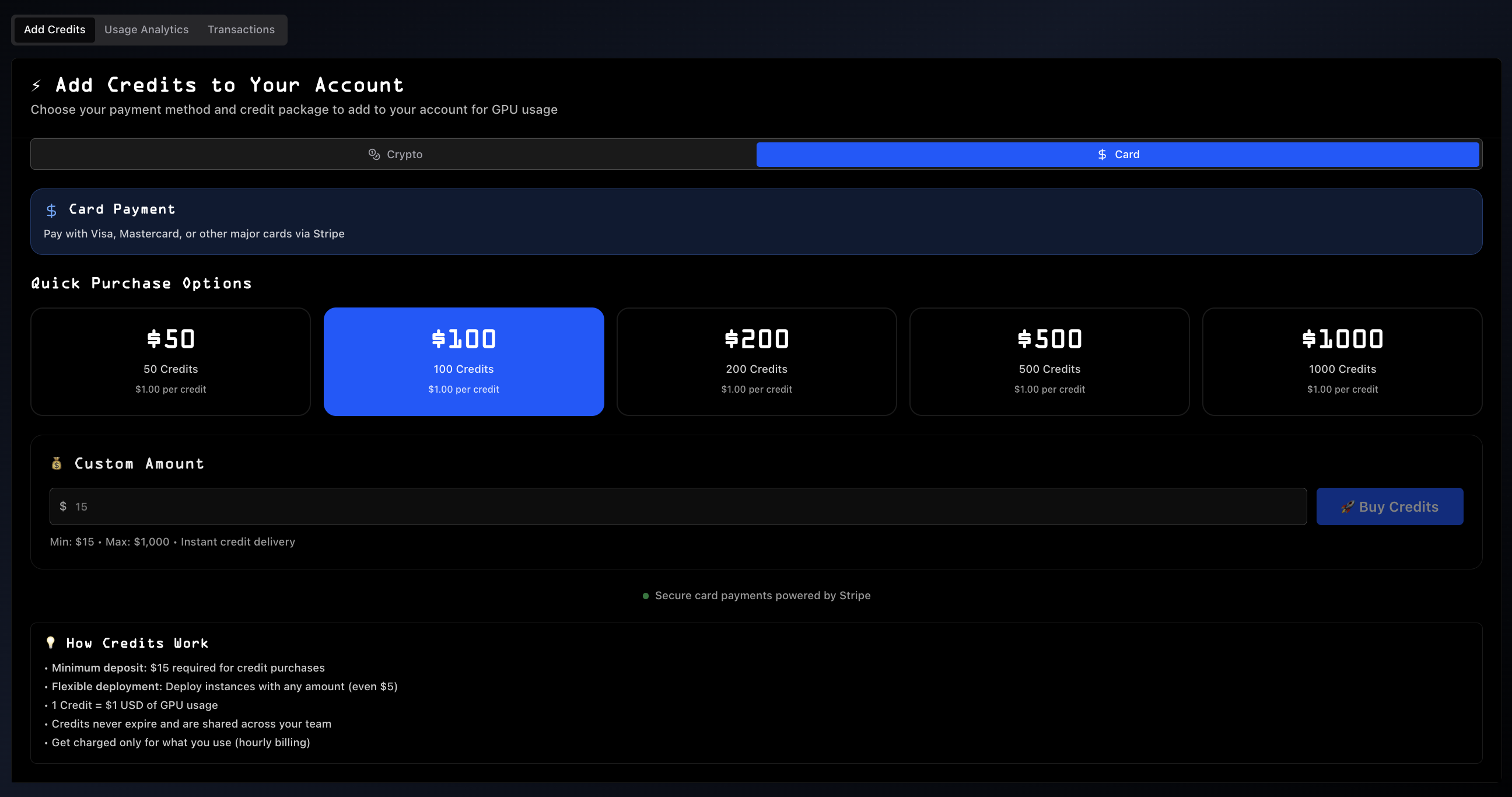
Payment Methods
Card Payment (powered by Stripe)
- Visa, Mastercard, major cards
- Secure processing via Stripe
- Instant delivery
Crypto Payment (powered by CopperX)
- USDC and supported cryptocurrencies
- Blockchain-secured transactions
- Instant delivery
Preset Packages
| Amount | Credits | Rate |
|---|---|---|
| $50 | 50 | $1.00/credit |
| $100 | 100 | $1.00/credit (Recommended) |
| $200 | 200 | $1.00/credit |
| $500 | 500 | $1.00/credit |
| $1000 | 1000 | $1.00/credit |
| $5000 | 5000 | $1.00/credit |
Custom Amount
Enter any amount between $15 (minimum) and $5,000 (maximum) for instant delivery.
Usage Analytics
Track all GPU deployments and associated costs.
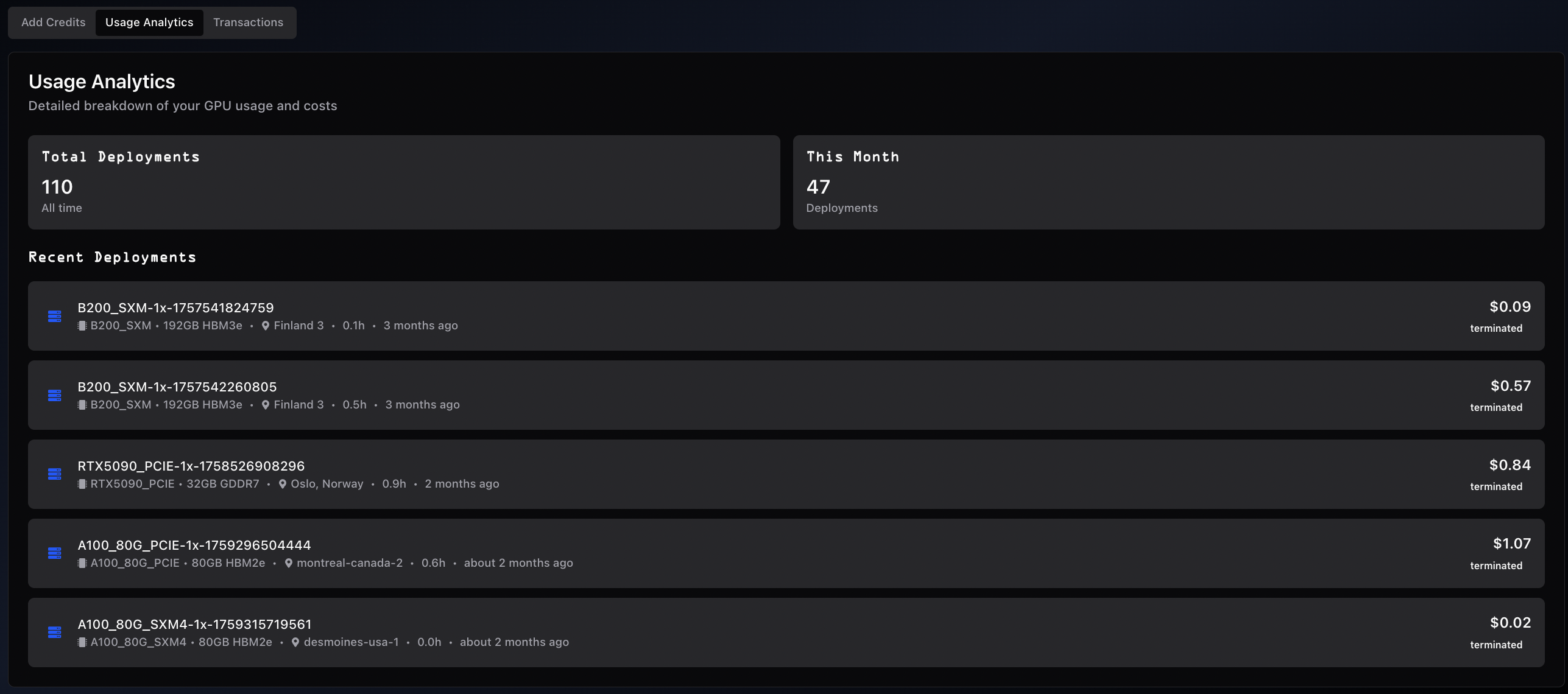
- Total Deployments - All-time instance count
- This Month - Current month deployments (resets monthly)
- Instance ID and GPU type
- Location and duration
- Timestamp and cost
- Status (active/terminated)
- Cost analysis by GPU type
- Monthly spending patterns
- Project cost tracking
- Usage optimization
Transaction History
View all credit purchases and payment records.
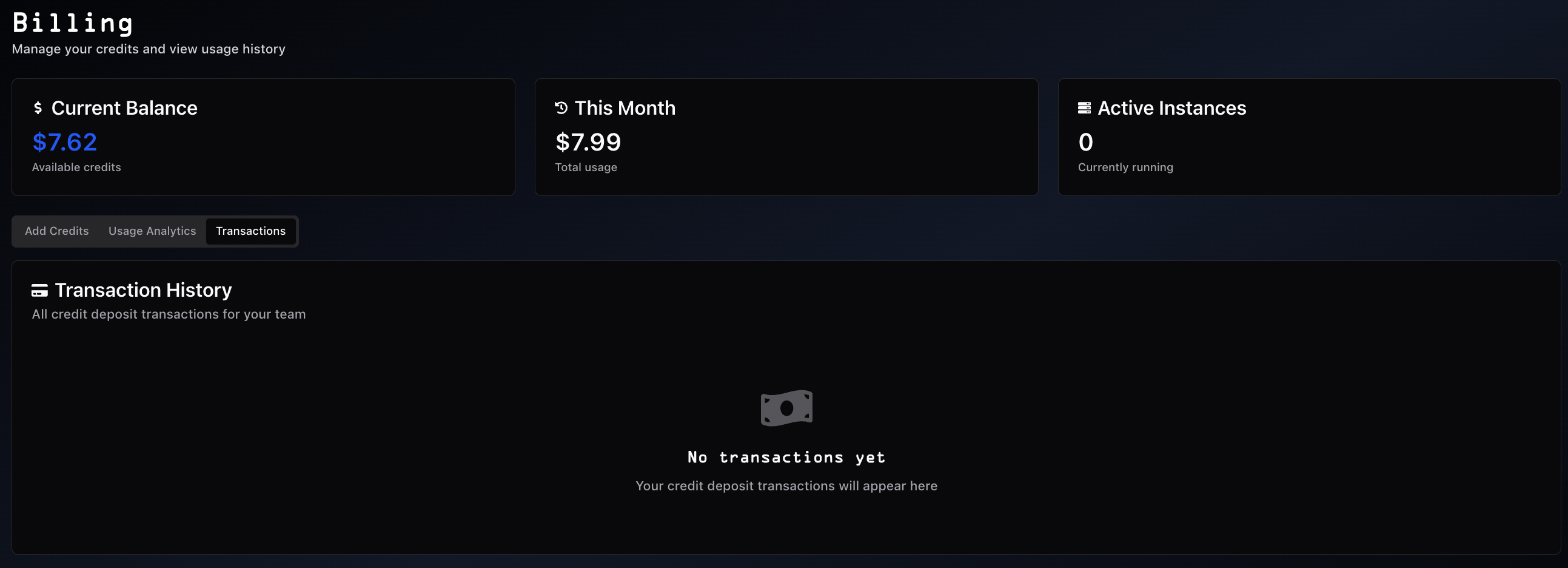
- Purchase date and amount
- Payment method (card/crypto)
- Transaction status
- Payment verification
- Expense tracking
- Accounting records
Auto Top-Up
Auto top-up prevents unexpected instance termination by automatically recharging your account when credits run low.
How it works:- Save a payment card in Billing → Payment Method
- Set a minimum balance threshold ($5–$500, e.g., $20); when your balance drops below this amount, a charge is triggered
- Set a top-up amount ($15–$5,000, e.g., $100); this is how much is charged each time
- Toggle Auto Top-Up on; the platform charges your saved card automatically when the balance falls below the threshold
Configure via: Dashboard → Billing → Auto Top-Up
A 5-minute cooldown between charges prevents duplicate billing. If a charge fails, auto top-up is automatically disabled and you receive an email notification. Auto top-up charges appear in Deposit History labeled "Auto Top-Up".
For long training runs, auto top-up ensures the instance is not terminated due to insufficient credits mid-job.
Team Discounts
Volume-based and admin-assigned discounts are applied automatically. The discounted price is reflected directly in the GPU listings on the dashboard when your team has an active discount.
- The higher of volume-based or admin-assigned discounts is applied automatically
- No action is required; discounts apply as long as you are authenticated
To enquire about discount eligibility for high-volume usage, contact support via Discord or email.
Best Practices
Credit Management:- Start with $50-$100 to understand usage patterns
- Monitor balance regularly for long-running instances
- Enable Auto Top-Up (see above) to avoid unexpected terminations
- Set up billing alerts in User Settings
- Use custom amounts for precise budgeting
- Review Usage Analytics to identify expensive deployments
- Terminate unused instances promptly
- Use Reserved GPUs for long-term workloads (30-50% savings)
- See Cost Optimization for GPU tier selection and Spot strategies
- Card payments: Stripe-encrypted, PCI compliant
- Crypto payments: Blockchain-secured via CopperX
- Card data never stored on Spheron servers
Frequently Asked Questions
What happens if I run out of credits?
Instances terminate automatically to prevent overcharges. Add credits to resume.
Do credits expire?
No. Credits never expire and remain available indefinitely.
Can team members share credits?
Yes. Credits are shared across all team members.
How quickly are credits delivered?
Instantly upon payment confirmation (card or crypto).
What are the deposit limits? Minimum: $15 per transaction Maximum: $5,000 per transaction
Are there hidden fees?
No. 1 credit = $1 USD of GPU usage. No additional fees.
Can I get a refund?
Credits don't expire, so they retain value. Contact support for specific refund inquiries.
Additional Resources
- Getting Started - Deploy your first instance
- Reserved GPUs - Long-term GPU reservations
- User Settings - Configure billing alerts
- API Reference - Programmatic billing access
- General Info - Support and official channels