

User Settings
Manage account profile, SSH keys, and API access credentials.
Access settings at app.spheron.ai → Settings
Profile
Update account information and preferences.
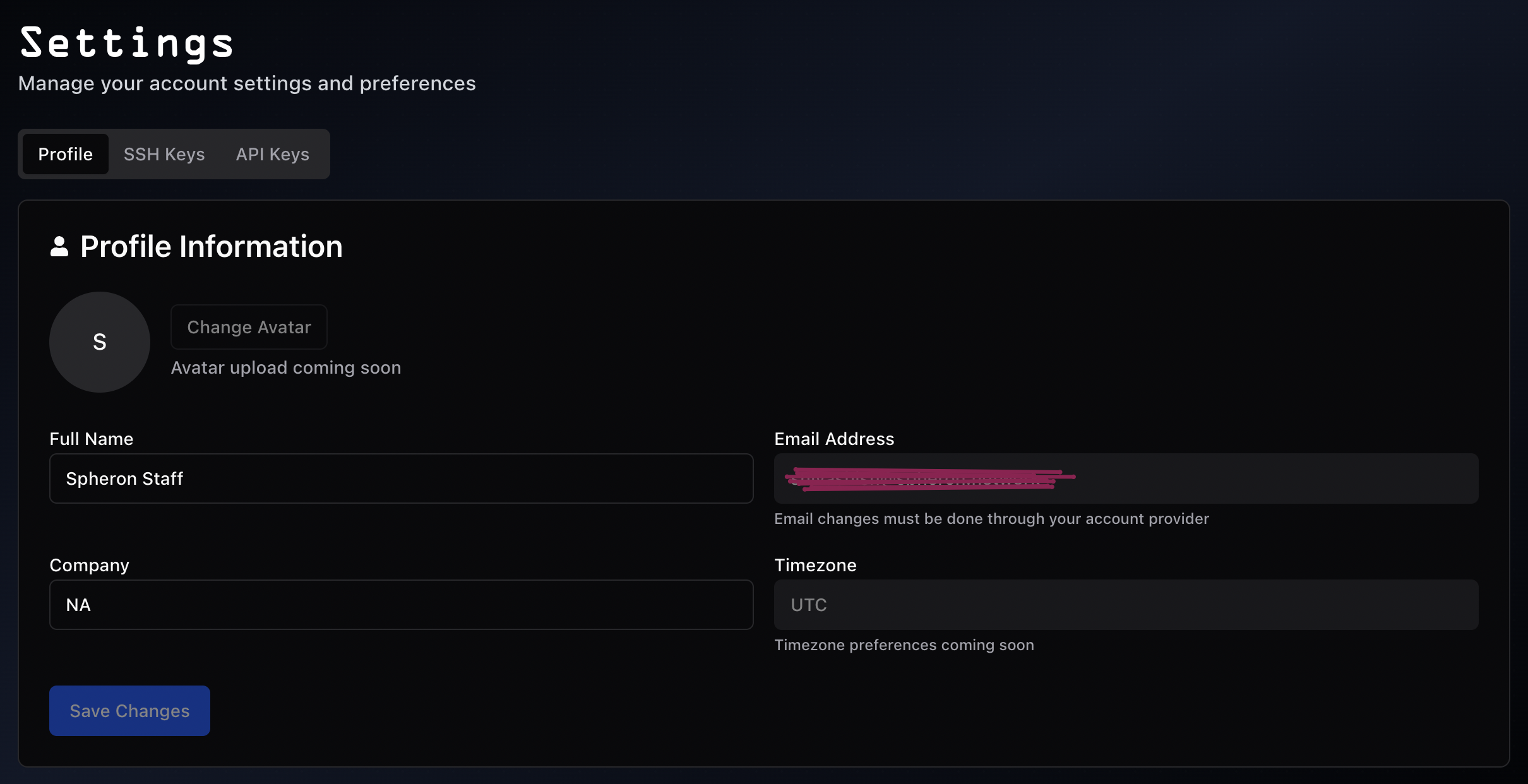
- Full Name - Editable
- Email Address - Must be changed through OAuth provider (GitHub/Google)
- Company - Optional organization name
- Timezone - UTC default (customization coming soon)
- Avatar - Profile picture (upload coming soon)
Click Save Changes to apply updates.
SSH Keys
Manage SSH keys for secure instance access.
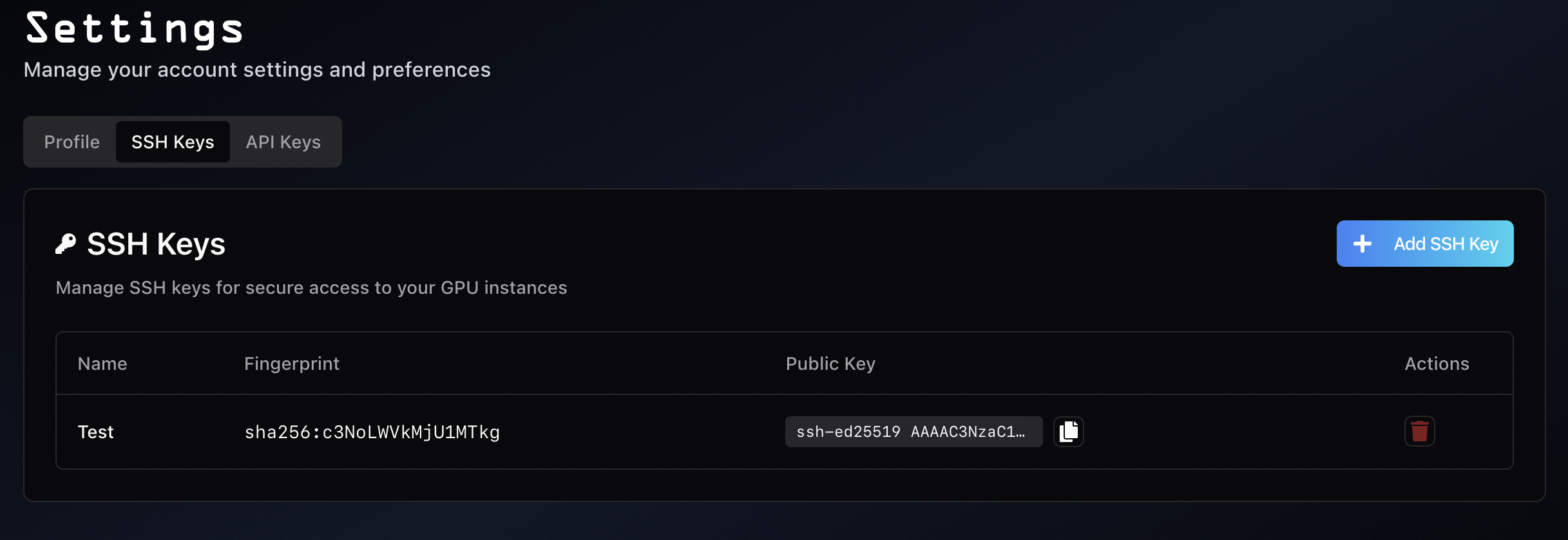
- Name and fingerprint
- Public key (with copy function)
- Delete action
Adding SSH Keys
- Click + Add SSH Key
- Enter key name
- Paste public key content (from
~/.ssh/id_*.pub) - Save
# Linux/Mac
ssh-keygen -t ed25519 -C "your_email@example.com"
cat ~/.ssh/id_ed25519.pub
# Windows PowerShell
ssh-keygen -t ed25519 -C "your_email@example.com"
type $env:USERPROFILE\.ssh\id_ed25519.pubSee SSH Connection Guide for detailed setup.
Security: Only upload public keys (.pub files). Never share private keys.
API Keys
Generate and manage API keys for programmatic access.
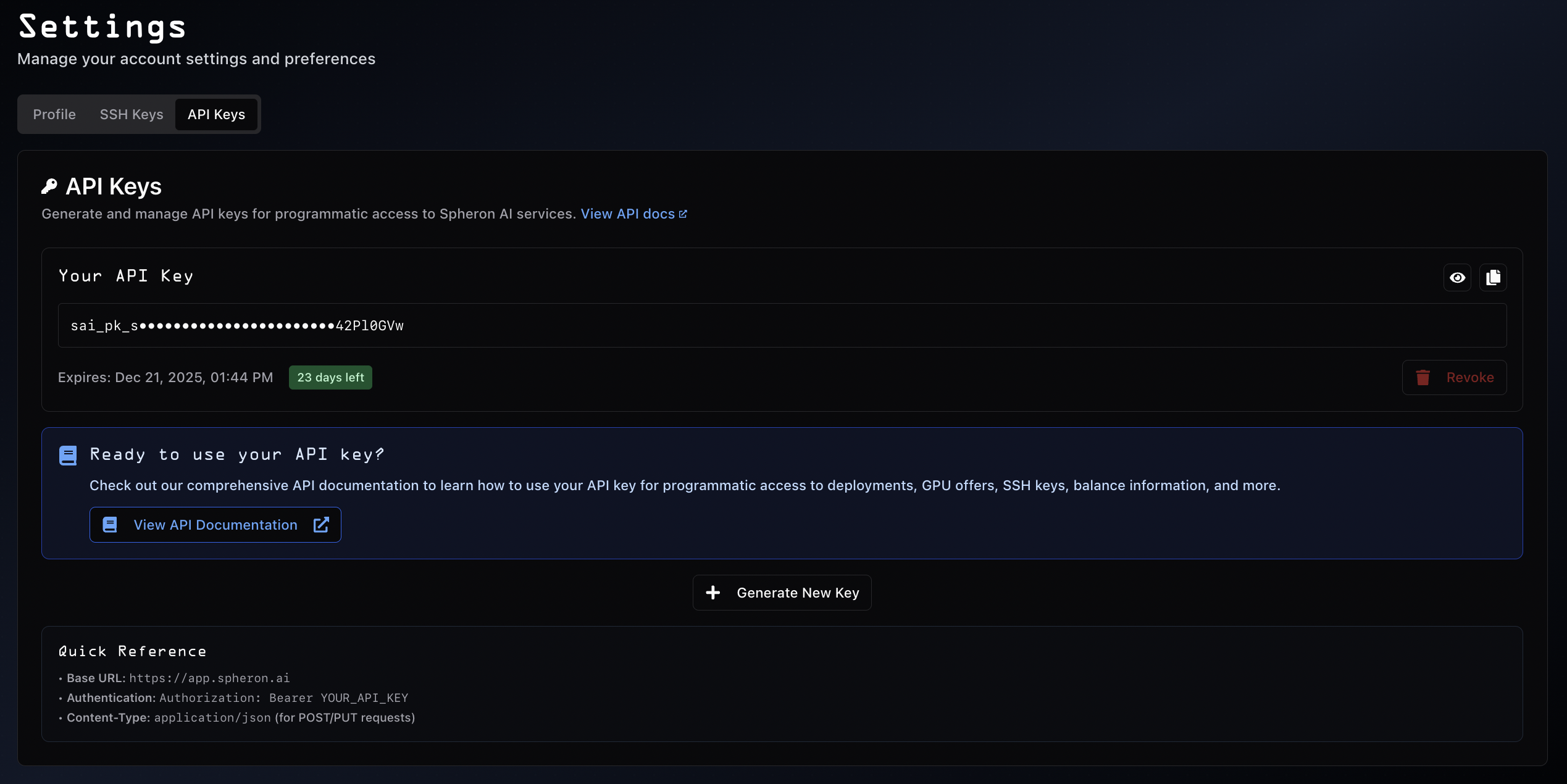
Managing Keys
Current Key:- View masked key (
sai_pk_s•••••••••4ZPl0Gvw) - Copy to clipboard
- Check expiration date
- Revoke if compromised
- Click + Generate New Key
- Use for different projects or environments
- Generate before current key expires
API Capabilities
Using your API key, you can:
- Deploy and manage GPU instances
- Check GPU availability and pricing
- Manage SSH keys programmatically
- View account balance
- Monitor usage and billing
See the API Reference for complete endpoint documentation and usage examples.
Security: Store API keys in environment variables. Never commit to version control.
Security Best Practices
API Keys:- Store in environment variables, never hardcode
- Revoke immediately if compromised
- Rotate every 90 days
- Generate separate keys per environment
- Never commit to version control
- Only add keys from controlled devices
- Remove keys from lost/compromised devices
- Use passphrases on private keys
- Delete unused keys regularly
- Review active keys periodically
- Remove unrecognized keys immediately
- Check key expiration dates
See Security Best Practices for comprehensive guidelines.
Frequently Asked Questions
Why can't I change my email? Email is managed through your OAuth provider (GitHub/Google). Update there first.
How many SSH keys can I add? No limit. Add keys for different devices or team members as needed.
What happens when my API key expires? Applications using that key will fail. Generate new key before expiration.
Can I have multiple active API keys?
One active API key at a time. Generate new key to replace existing.
Where do I find my SSH public key?
Linux/Mac: cat ~/.ssh/id_ed25519.pub
Windows: type $env:USERPROFILE\.ssh\id_ed25519.pub
How do I rotate API keys safely?
Generate new key → Update applications → Test → Revoke old key.
Additional Resources
- SSH Connection Guide - Detailed SSH setup
- API Reference - Complete API documentation
- Security Best Practices - Comprehensive security guide
- Getting Started - Account setup and first deployment
- General Info - Support and official channels